Browse all articles
Presence Sheet Report
Open the Reports module and select Presence Sheet, then use the filter above the report to choose the month you want. A preview of the content appears before you download, so you can confirm the month is correct. Download the sheet and save it as an xlsx file, which you can edit afterward. Admins, managers, and HR can generate it.
This report can be generated by an admin, manager, or HR, and it lives in the Reports module under Presence Sheet. Employees without an admin role do not have access to it.
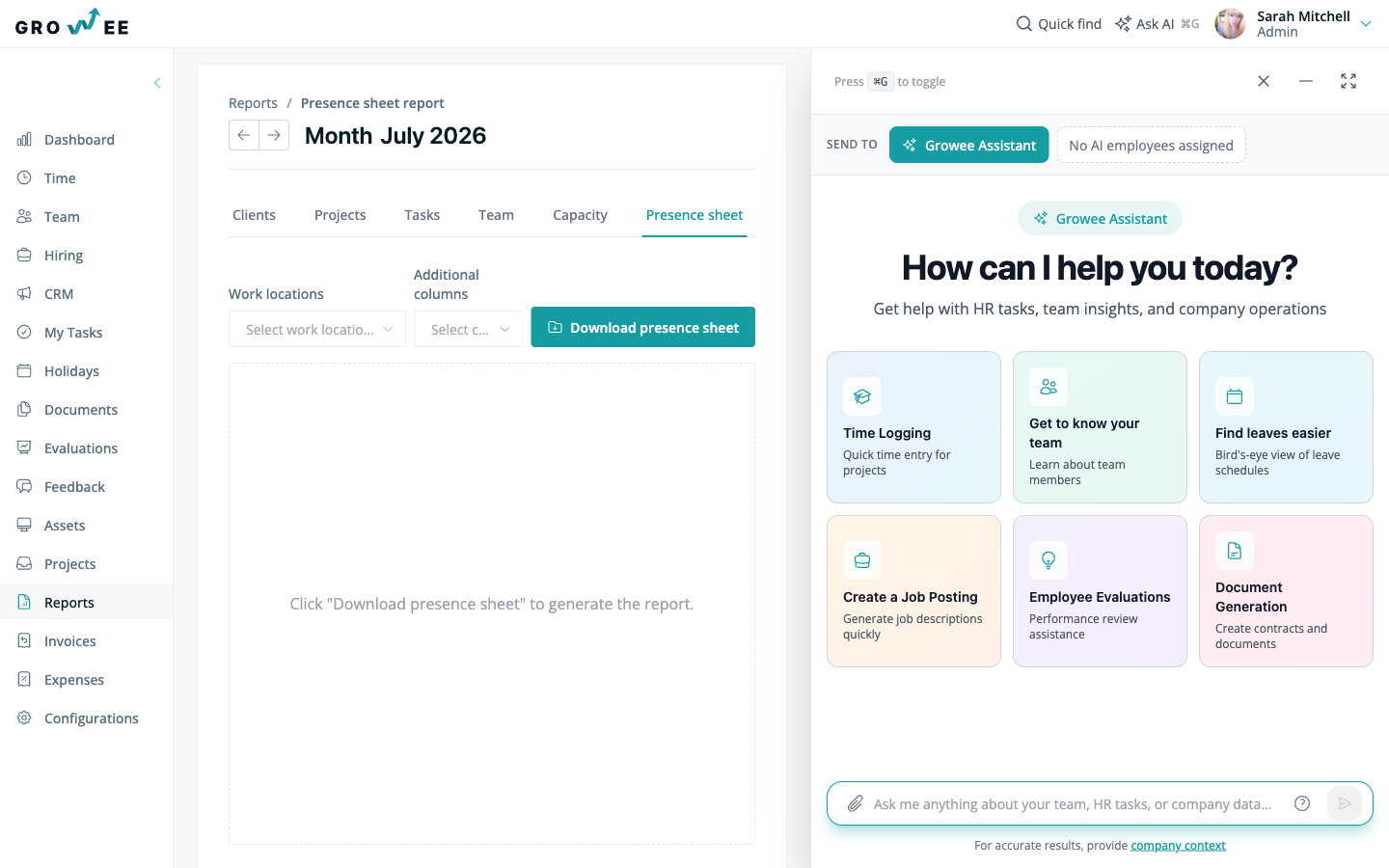
Generate a presence sheet
- Open the Reports module.
- Select Presence Sheet.
- Use the filter above the report to choose the month you want.
A preview of the content is displayed before you download, so you can confirm the month and the hours are correct.
Download the sheet
The presence sheet can be generated for the current month with a single action, and the document is produced in xlsx format.
- Confirm the preview shows the month you need.
- Download the sheet.
- Save the file. Because it downloads as an editable spreadsheet, you can adjust it afterward if needed.
You can download the sheet for any month available in the filter, which makes it easy to keep an attendance record alongside your payroll process.
Related articles
Need more help? Contact support or email support@growee.net.