Browse all articles
Account Settings
Your company name and contact details live in the Account section of Settings, and your password, display language, and profile photo live in My Profile. Open Settings from the main navigation to reach both. Settings also groups the rest of your configuration into sections for billing, data export, documents and templates, departments, positions and levels, evaluations, holidays, and integrations. The display language options currently include English and Romanian.
Some settings apply to your whole company, and each of those areas needs the matching permission. Others, like your password and profile photo, are personal, and each person can change their own. This article covers your company account details and your personal profile, and points you to the other settings areas.
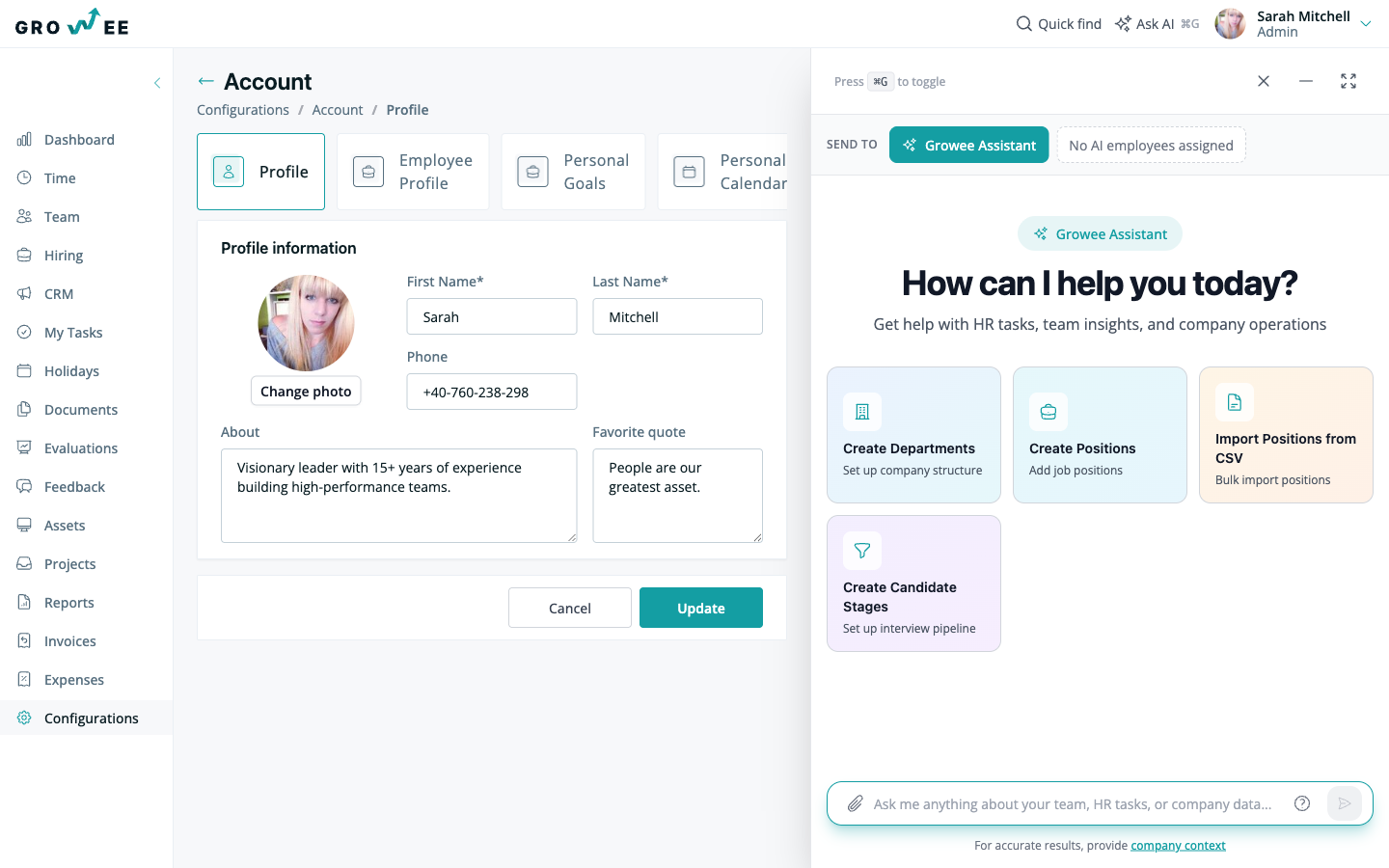
Where to find settings
Open the Settings area from the main navigation. It groups every configurable part of your account into sections, so you can jump straight to the one you need. For a tour of the rest of the app, see Navigating Growee.
Company account details
The Account section holds your company’s general information. From here you can update:
- Your company name
- Company contact details
Changes you make here are used across the app, so keep this information current.
Your personal profile
Your personal profile is separate from company settings and is yours to manage. Open My Profile to:
- Change your password in the Security section.
- Change the display language of your profile. Currently available languages include English and Romanian.
- Add or update your profile photo.
Note: If your account was created through a social login such as Google, your password is managed by that provider and cannot be changed inside Growee. Change it through your Google account instead.
What you can configure
Beyond the Account section, Settings groups the rest of your company configuration into dedicated areas. The table below shows the main ones and where to read more.
| Section | What it controls |
|---|---|
| Billing | Subscription plan, seats, payment methods, and billing history. See Plans and Billing. |
| Data | Download every employee’s documents as a ZIP archive, one folder per employee. See Exporting Your Data. |
| Documents and Templates | Document types and reusable templates. See Document templates. |
| Departments | Departments, teams, and work locations. See Departments, positions, and levels. |
| Positions and Levels | Job positions and seniority levels used when adding employees. See Departments, positions, and levels. |
| Evaluations | Evaluation types and criteria. See Creating evaluations. |
| Holidays | Leave and holiday types and balances. See Holiday types and balances. |
| Integrations | Connected tools such as Google Calendar and Slack. See Google Calendar and Slack. |
Growee also lets you configure other areas such as candidate stages for hiring, expense categories, and onboarding templates, so your account matches how your team actually works.
Who can change settings
Each company settings area is tied to a permission. By default the Admin role holds all of them, the Manager and HR roles can manage areas such as positions, document types and templates, the Manager role can also manage departments and evaluation types, and billing and role permissions stay with Admin. Everyone else can still manage their own personal profile and connect their own integrations, and whoever manages roles can change which permissions each role holds.
To understand which role can do what, see Roles and permissions.
Related articles
Need more help? Contact support or email support@growee.net.