Browse all articles
Hiring Overview
Growee’s Hiring module is a lightweight applicant tracking system. You create a job opening for each role, with a title, salary range, and seniority level, and can associate it with a project. Applicants move through a candidate pipeline you configure until you make an offer, and you can share a job on a public careers page. When you hire someone, their details carry over into a Growee employee record.
This overview is for admins and hiring managers who post roles and review candidates.
Where to find it
Open the Hiring module from the main sidebar. It opens on the Jobs list at /hiring/jobs, which shows the roles you are currently hiring for.
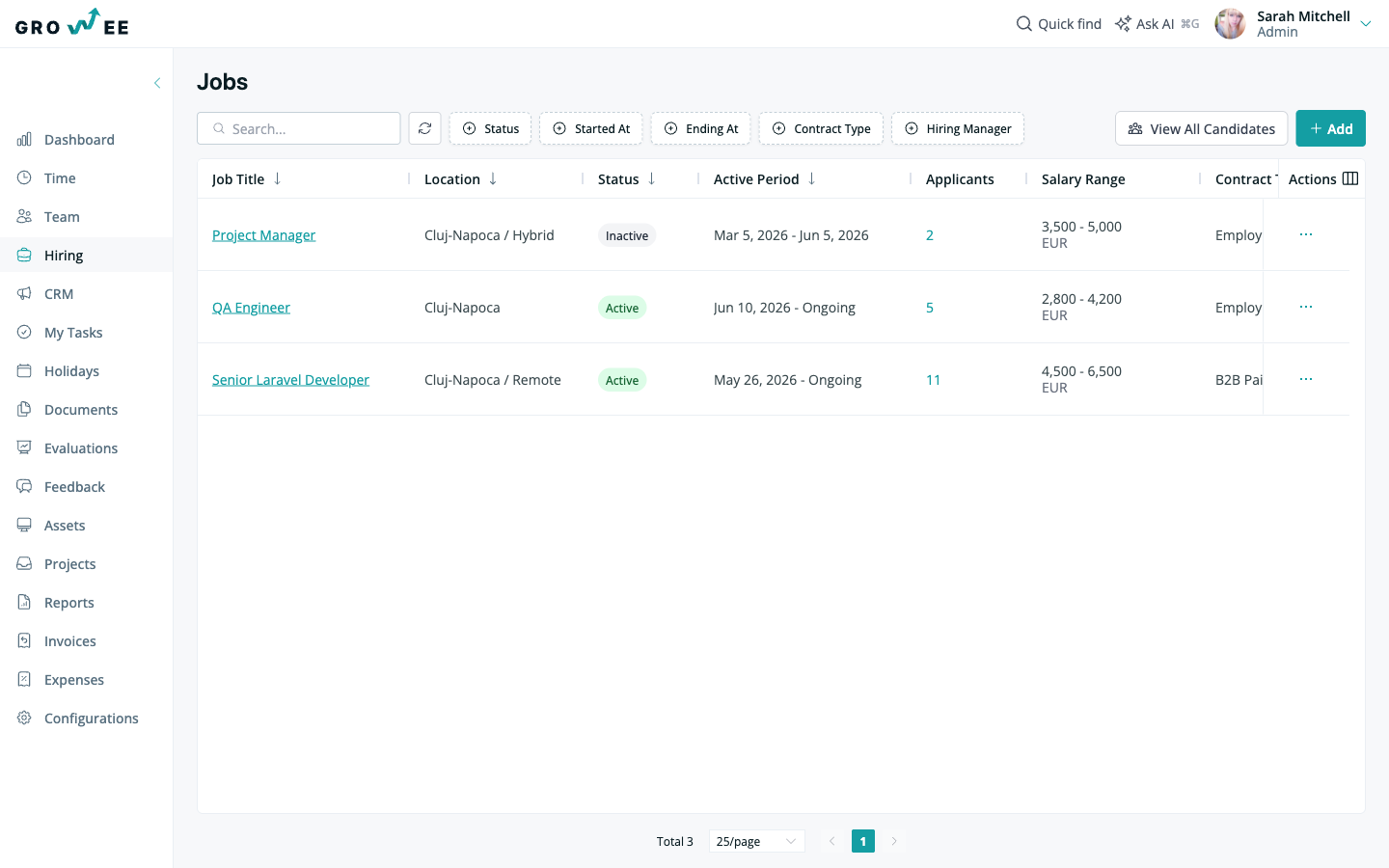
Each job in the list links to its own detail page, where you manage that role and its candidates.
Inside a job
Click a job to open its detail page. The header shows the job title, its status (for example, Active), the start date, and the hiring manager. From here you can use the Share button to publish the role, or Edit to change its details.
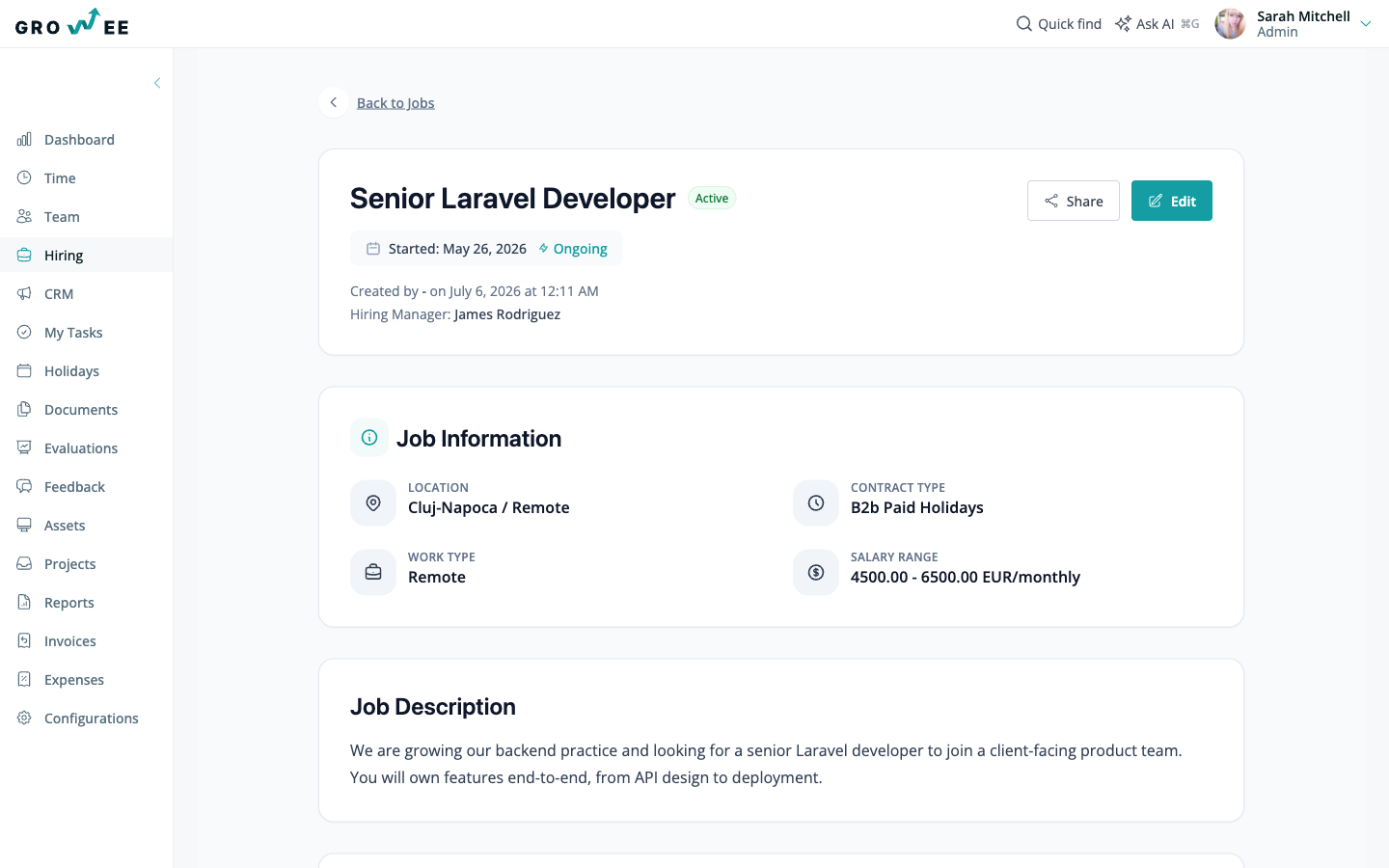
The detail page is organized into sections:
- Job Information: the location, work type, contract type, and salary range for the role.
- Job Description: the full description of the position.
- Candidates: everyone applying for this job, with a running count. This is where you add and review applicants. See Managing Candidates.
What you can do
The Hiring module covers the full path from posting a role to onboarding a new hire:
- Create a job opening with a title, salary range, and seniority level, and associate it with a project.
- Draft the job description with AI, using the associated project as context.
- Share a job on a public careers page so candidates can apply directly into your pipeline, with control over whether salary and project details are visible.
- Track candidates through pipeline stages you configure to match how your team hires.
- Add candidates manually, import them from LinkedIn, or parse an uploaded CV.
- Convert a hired candidate into an employee record so onboarding starts without re-typing their details.
Tip: Associate a job with a live project so the AI job description generator writes from real context instead of a blank page. See Creating Projects.
Related articles
Need more help? Contact support or email support@growee.net.