Browse all articles
Exporting Your Data
Open Settings, then Company, then the Data tab, and select Download documents. Growee bundles your employees’ documents into a ZIP archive, with one folder per employee, and emails you a download link when the archive is ready. The link stays valid for one week. By default the Admin role can open this tab.
The archive is prepared in the background and delivered to you by email, so you do not have to wait on the page while it runs.
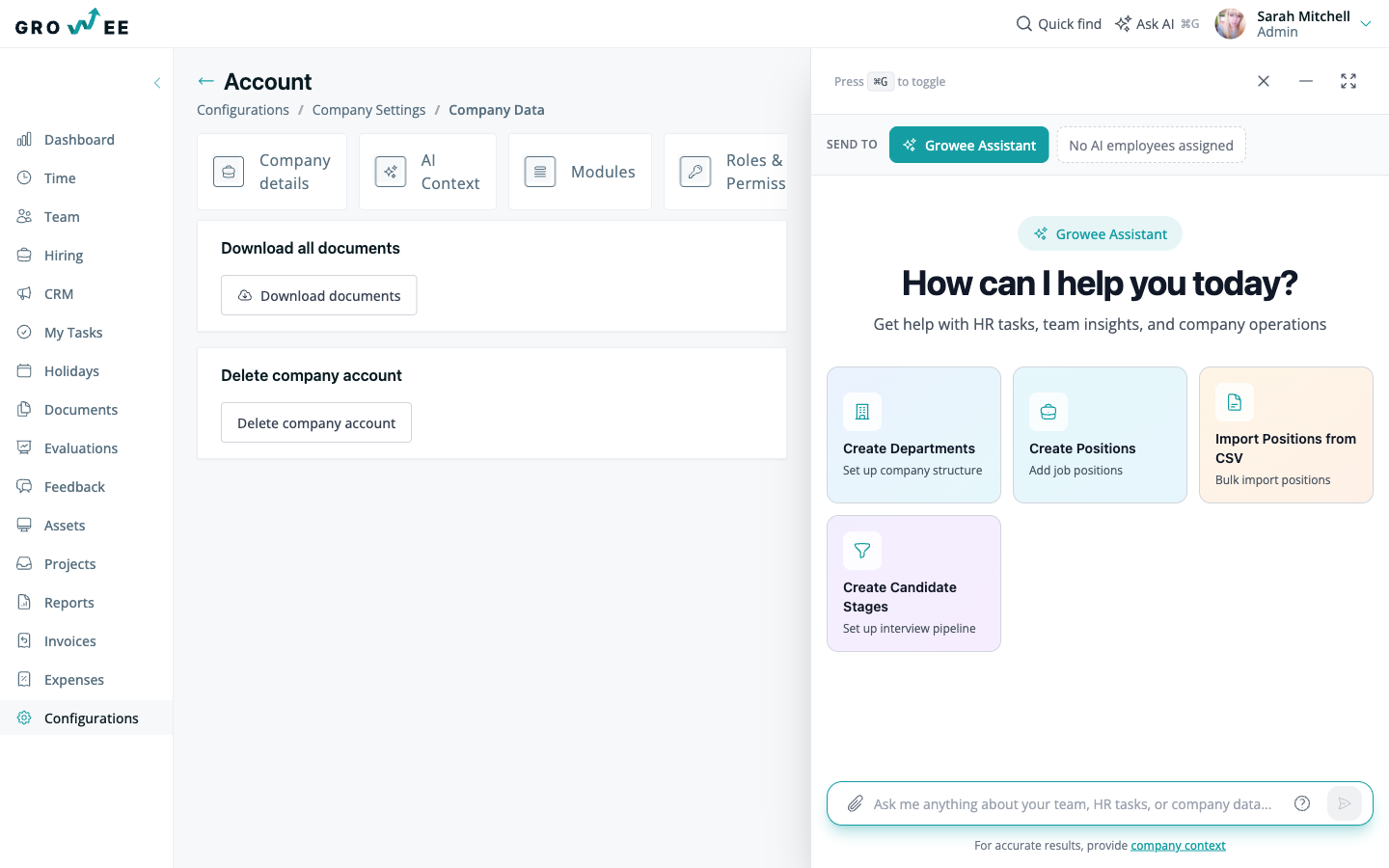
Download your employees’ documents
- Open Settings, then Company, then the Data tab.
- Select Download documents.
Growee collects the documents stored on each employee’s profile, groups them into one folder per employee, and prepares a ZIP archive. When it is ready, you receive an email.
Download from your email
When the email arrives, open it and use the download link inside to save the ZIP archive. The link expires one week after the email is sent, so start a new download if you need the archive after that.
Tip: Keep the archive somewhere secure, since it contains your employees’ documents.
Who can download the documents
The documents download sits on the Data tab under Settings, Company, which by default the Admin role can open. For a full breakdown of what each role can do, see Roles and permissions.
Related articles
Need more help? Contact support or email support@growee.net.