Integrations
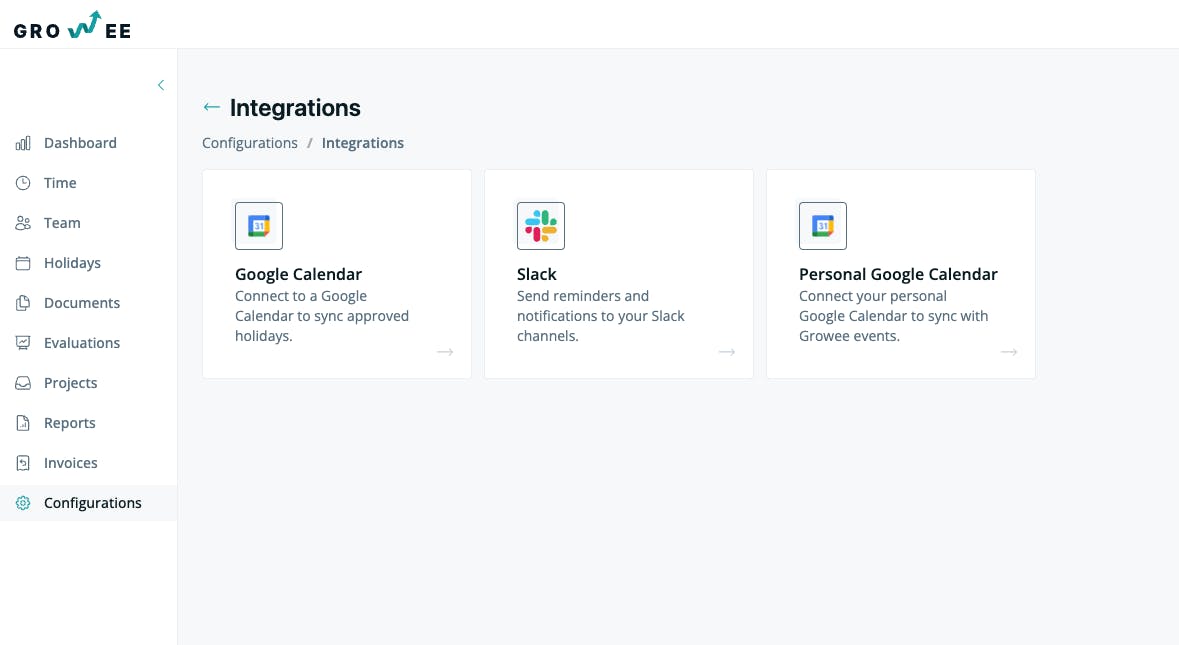
Growee offers integrations with Google Calendar, Personal Calendar, and Slack, allowing you to sync company events and receive leave notifications directly in Slack.
- Companies
- 200+
- Hours tracked
- 50M+
- Holidays taken
- 50,000+





Share your calendar with your colleagues
Through Google Calendar integration, colleagues can see when you have blocked or available times, making collaboration easier and faster.
Slack work chat is now integrated with Growee
Get leave notifications straight in Slack so you always know who is available and when. No need to log into Growee just to check your team's schedule.
- Get a message in Slack when a leave request is approved, rejected, or cancelled
- Stay updated on your team's availability without leaving Slack
- Works with your existing Slack workspace through an incoming webhook you create once
Important events, always visible
Your personal Google Calendar stays in sync with company events, so nothing slips through the cracks. Birthdays, team-building activities, and other key dates show up right where you already look.
- See upcoming birthdays and company events directly in your personal calendar
- Get advance notice of team activities so you can plan accordingly
- Keeps work and personal schedules in one view
Maximum transparency regarding leaves
Approved and rejected leave requests sync automatically to Google Calendar, giving the whole team a clear picture of who is in and who is out. No manual updates needed.
- Approved leaves appear in the calendar as soon as they are confirmed
- Rejected requests are updated automatically, keeping the calendar accurate
- Everyone on the team can see time-off at a glance
Everything is synchronized
Google Calendar can be set to display the calendars you choose, so each person sees only what is relevant to them. Full control over what shows up and for whom.
- Choose which calendars to display in Google Calendar
- Sync company-wide events, team calendars, or individual schedules
- Each person manages their own view without affecting others
Ready to keep your whole team in sync?
Try Growee for free for up to 3 employees, with no obligation or payment.
Frequently asked questions
Are private events from the Personal Calendar visible?
No, you choose what and with whom to share. Only whether a day or certain time slots are available or not will be visible.
Where can I find these integrations?
You can find them in the 'Configurations' - 'Integrations' section.
How do I set up Slack integration?
To receive notifications via Slack, you need to first configure a Webhook in your Slack workspace, then add the Slack Webhook URL.