Browse all articles
Goals and OKRs
Goals live on the employee profile, next to evaluations and feedback. Each one is a card with a due date, a category such as Leadership or Product, a priority of Low, Medium, or High, an overall progress bar, and a milestone checklist you tick off as work lands. Treat the goal as your objective and the milestones as key results, then mark it done in one click.
This overview explains what goals are, how they map to OKRs, and who can work with them. By default, the Admin, Manager, and HR roles create and track goals for any employee, keeping growth conversations concrete.
What a goal looks like
A goal is more than a line of text. Each one is a structured card on the employee profile with:
- A due date, so there is a clear deadline.
- A category, such as Leadership, Product, or Personal development.
- A priority of Low, Medium, or High.
- An overall progress bar that shows how far along the goal is at a glance.
- A milestone checklist (for example “2 of 3 completed”) for ticking off concrete steps as work lands.
When the work is finished, you can mark a goal as done in one click.
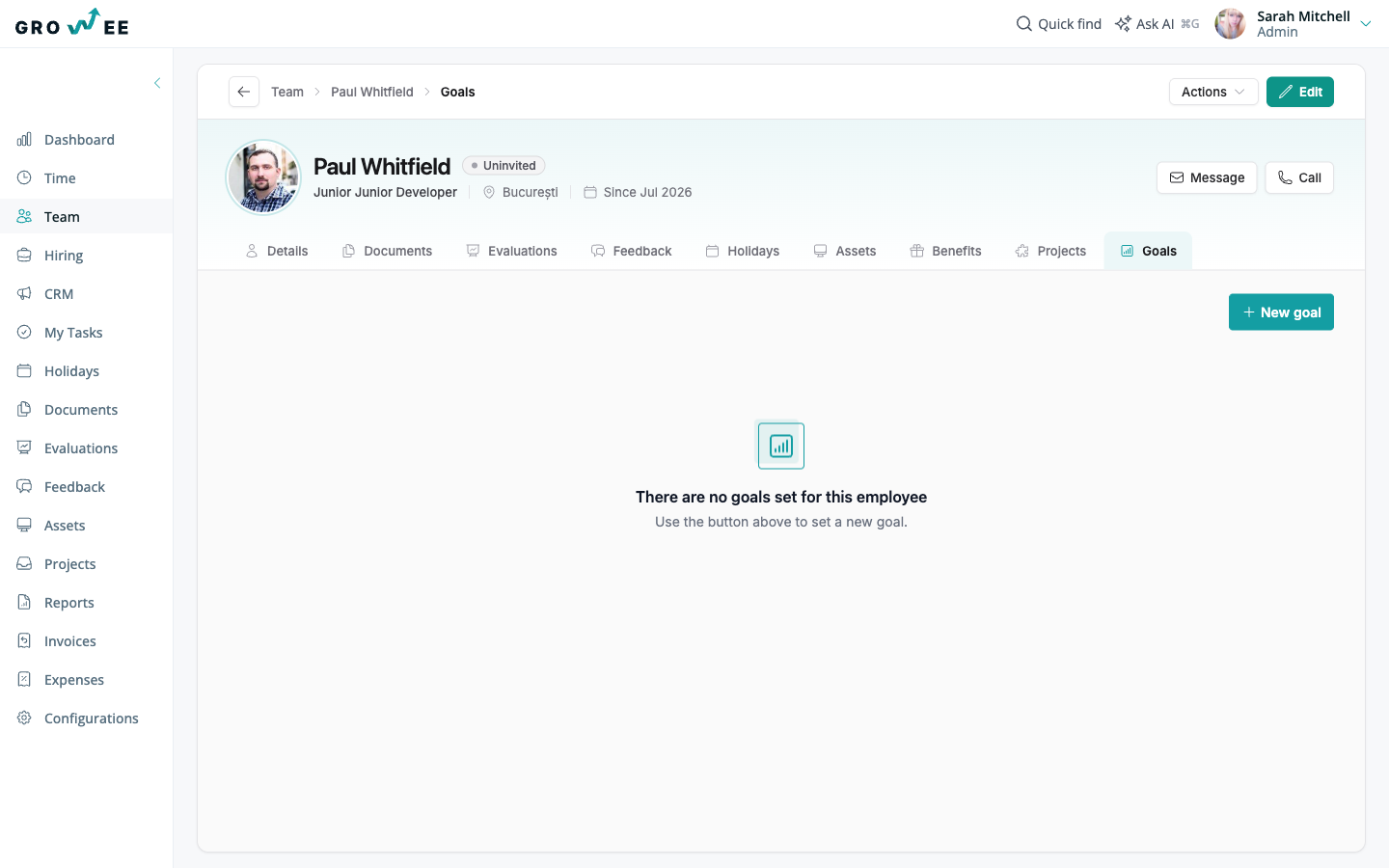
Let AI draft the goal
Writing good goals takes time, so Growee can help. You can create a goal with a rich-text description, a category, and a milestone plan yourself, or you can type just the goal name and let the AI generator draft the description and milestone plan for you.
The AI gives you a strong starting point, not a locked-in result. You review and adjust the draft before saving, so you stay in control of the final goal. To learn more about AI across Growee, see AI Features.
Using goals as OKRs
Goals with milestone checklists map naturally to objectives and key results. The goal is your objective, and the milestones are the measurable key results you tick off along the way.
For example, the objective “Improve customer onboarding” might have a milestone like “Cut time to first value to 3 days” as one of its key results. This gives you a lightweight way to run OKRs without a separate tool.
Who can see and edit goals
Goals follow your permission setup. By default, the Admin, Manager, and HR roles see and edit every goal. A role granted the Manage goals for subordinates permission sees and edits the goals of the people below it in the reporting line, directly or further down the chain. Employees see and edit their own goals on their profile.
Because goals live on the same employee profile as evaluations and feedback, your performance reviews always have full context on what was planned, what progressed, and what was achieved.
Related articles
Need more help? Contact support or email support@growee.net.