Browse all articles
AI Features and MCP
Growee has three AI features that work over your own company data. Ask AI is an assistant you question in plain words about your team, time off, logged hours, documents, projects, invoices, and CRM pipeline. AI employees are autonomous agents that live in your Team list, with a role description and system prompt you control, and carry out tasks you assign. An MCP server connects agents such as Claude, ChatGPT, and Codex to your workspace.
Every AI feature works inside your existing roles and permissions. Ask AI reads your company data as you: its lookups go through the same Growee data layer and role-based permissions that apply when you open those pages yourself. Your question, and the company data the assistant reads to answer it, are sent to the Anthropic API to generate the reply. Files you attach to a chat are first sent to an external text-extraction service, and when that service returns no text, Growee extracts the text itself and sends it to OpenAI. Anthropic and OpenAI are listed as subprocessors on the Trust page, and both contractually commit not to train models on API data.
Ask AI
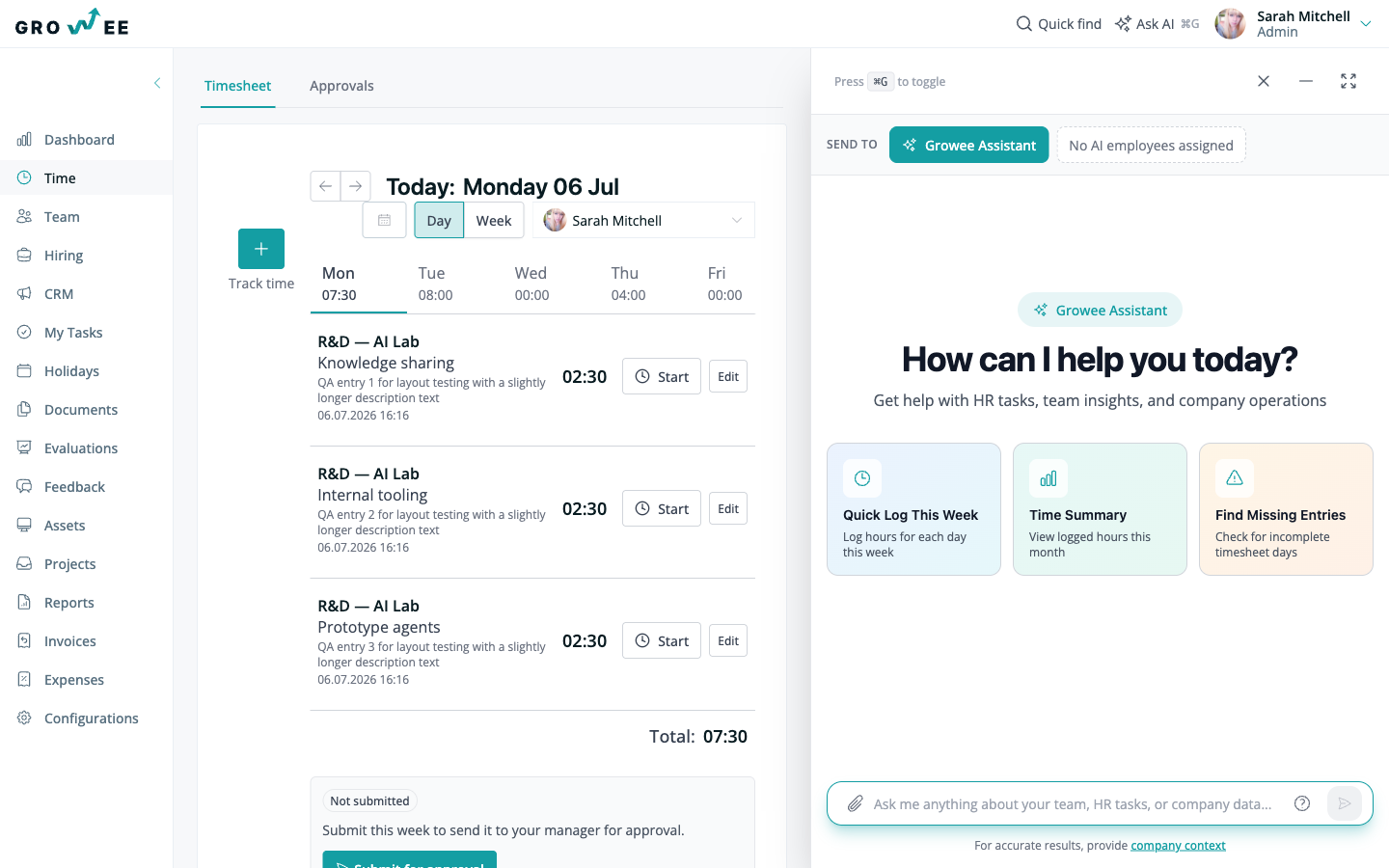
Ask AI is an assistant that already knows your company data: your team, their time off, logged hours, documents, projects, invoices, and your CRM pipeline. Ask a question in plain words and get the answer, or the kind of report you would otherwise build by hand, back in seconds.
Typical questions include “who is off next week”, “summarize my pipeline”, or “how many hours did we log on this project last month”. The assistant answers from live data, and it can also draft content such as a job posting. Chats are private to you and are not visible to other members. Ask AI is available on mobile too.
AI employees
AI employees are autonomous agents that live in your Team list like any other hire. Each has a profile with a role description and a system prompt you control, plus an intelligence level from Junior to Senior that maps to lighter, faster models up to deeper, more capable ones.
They ship with built-in Growee actions and connect to extra abilities you choose: sending and reading email, working in Slack threads, tools like GitHub, Jira, and Confluence, generating PDF and DOCX files, and other systems through custom HTTP abilities or MCP servers.
You give them tasks in plain language and choose how each runs: manually, on a schedule, on an entity event such as a new hire or an approved holiday, or through a webhook. Each agent keeps a knowledge base with semantic search and builds memory over time, from daily notes that consolidate into long-term memory. They work inside the same roles and permissions as your human team, and their AI usage is metered against your wallet credits.
MCP integration
Growee runs an MCP (Model Context Protocol) server for your workspace, so AI agents such as Claude, ChatGPT, and Codex can read your HR and CRM data and act on it over a single connection. You connect an agent from the AI Agent Integration settings page, and every call stays inside your Growee role and permissions. For the full setup, see Connect AI Agents via MCP.
Related articles
Need more help? Contact support or email support@growee.net.