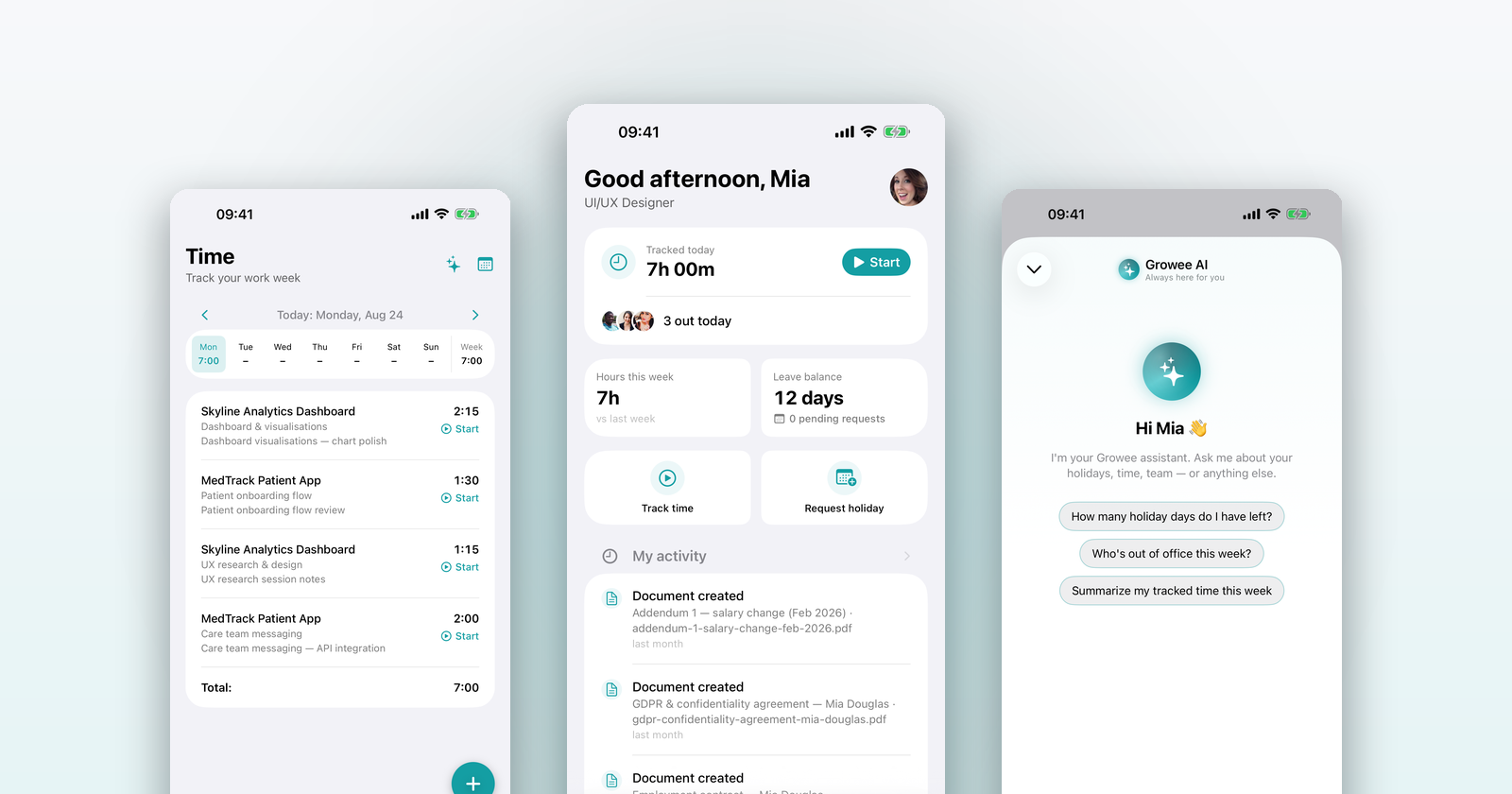
Growee is coming to the iPhone. We took the parts of HR your team actually reaches for during the day (time, holidays, people, answers) and built them native, with Apple’s own components, so the app feels like it shipped with your phone. Here’s a quick tour.
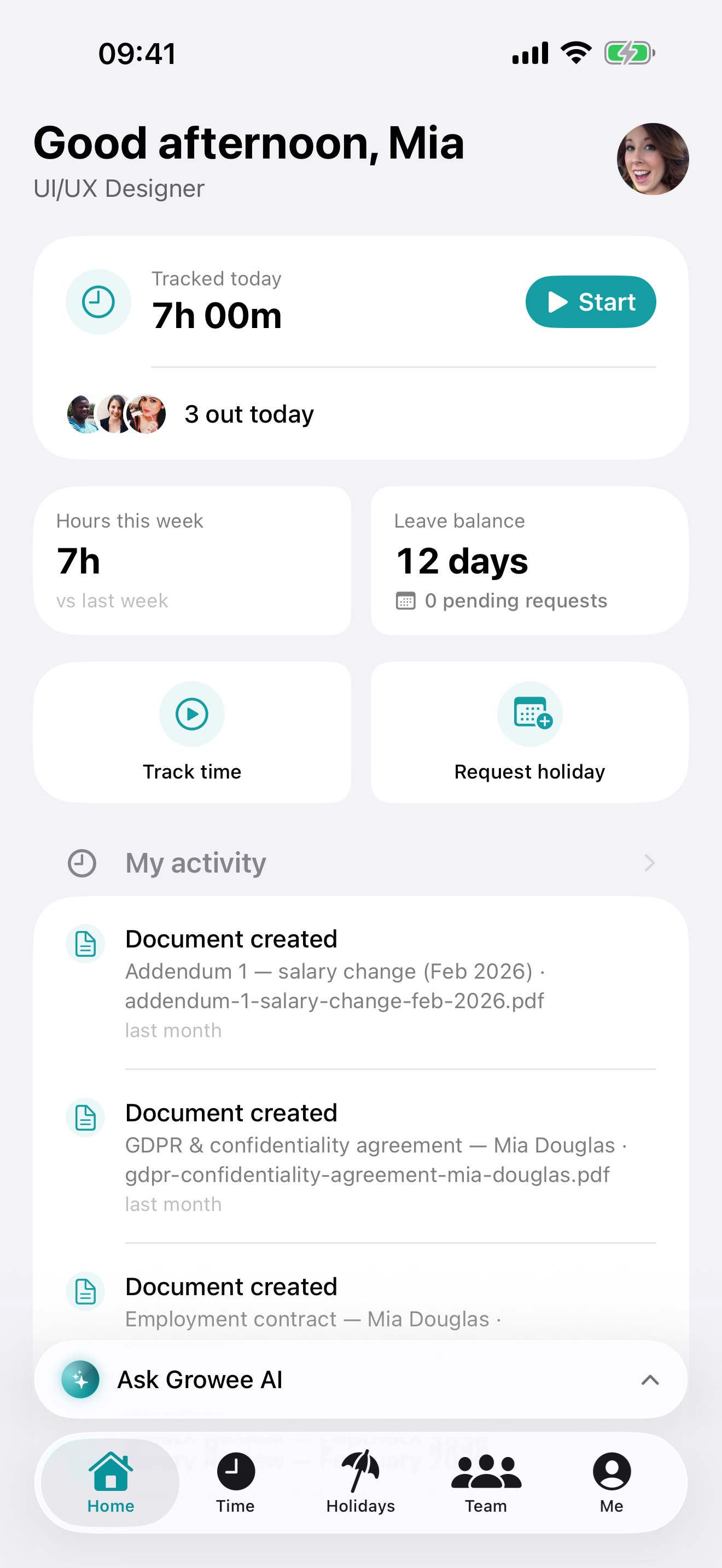
Your day at a glance
Open the app to today: hours tracked so far, who’s out, your leave balance, and one tap to start the timer.
Time that follows you out of the app
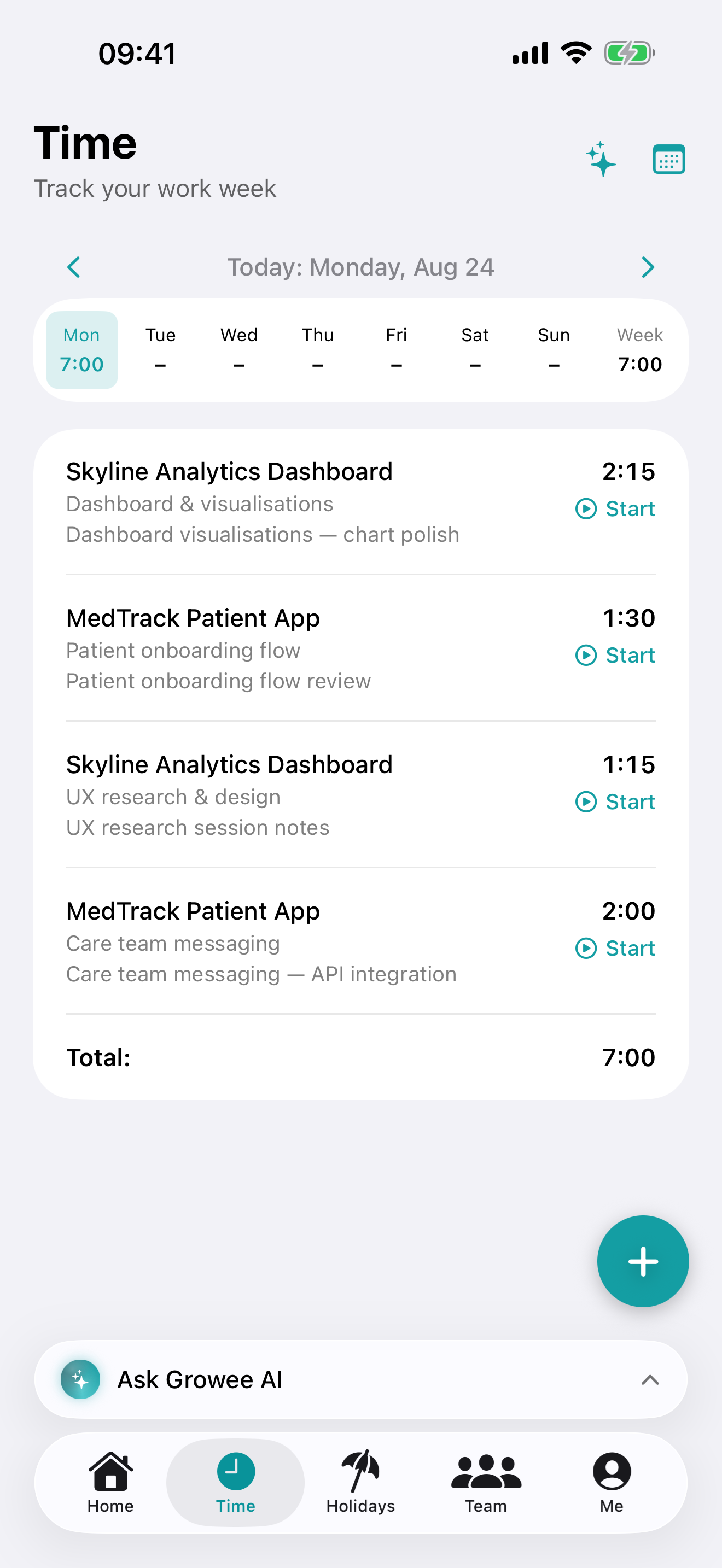
Your week, day by day. And while a timer runs, it lives on your Lock Screen and in the Dynamic Island, with a stop button right there (no digging for the app).
Holidays without the back-and-forth
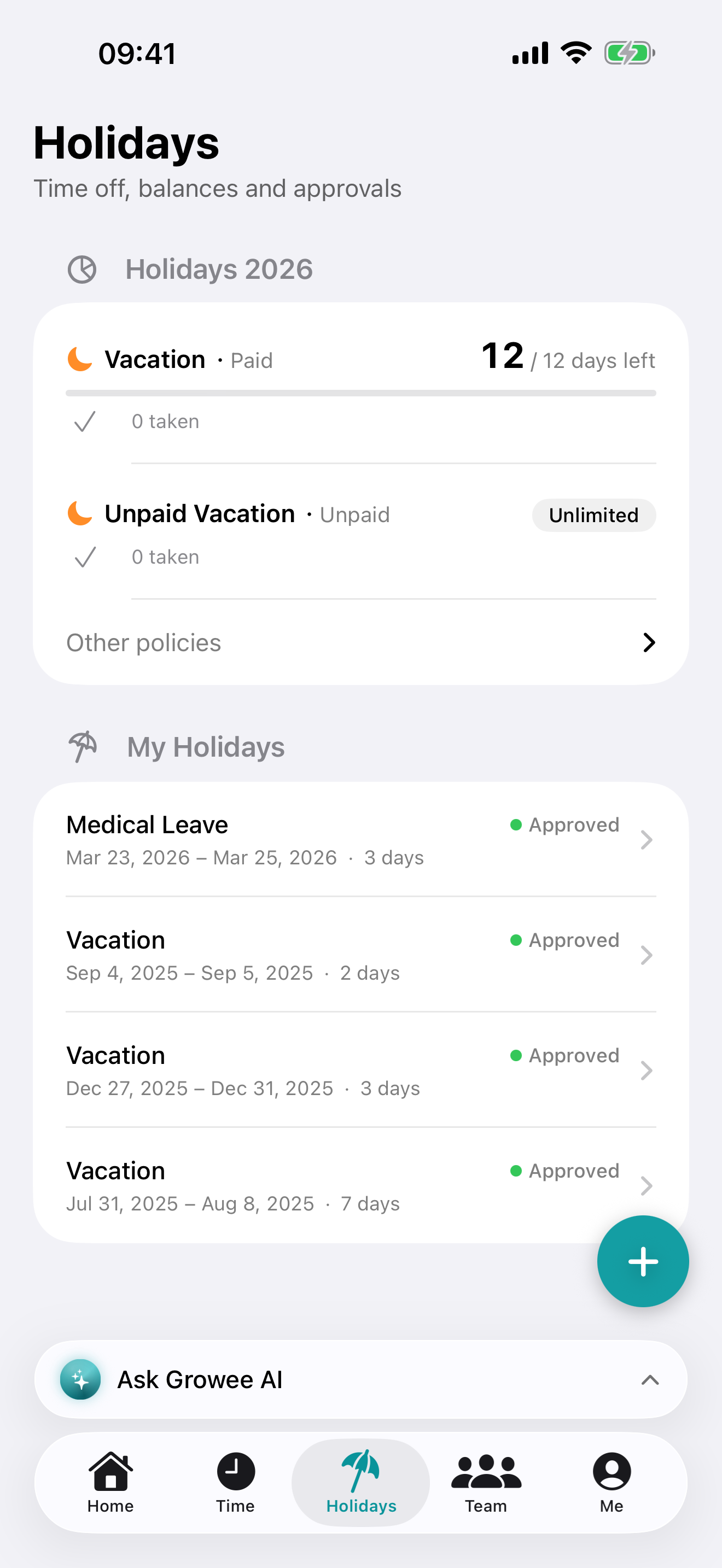
Check your balance, request time off, and see where every request stands. Managers get the pending queue and approve or reject with a swipe.
Ask Growee AI
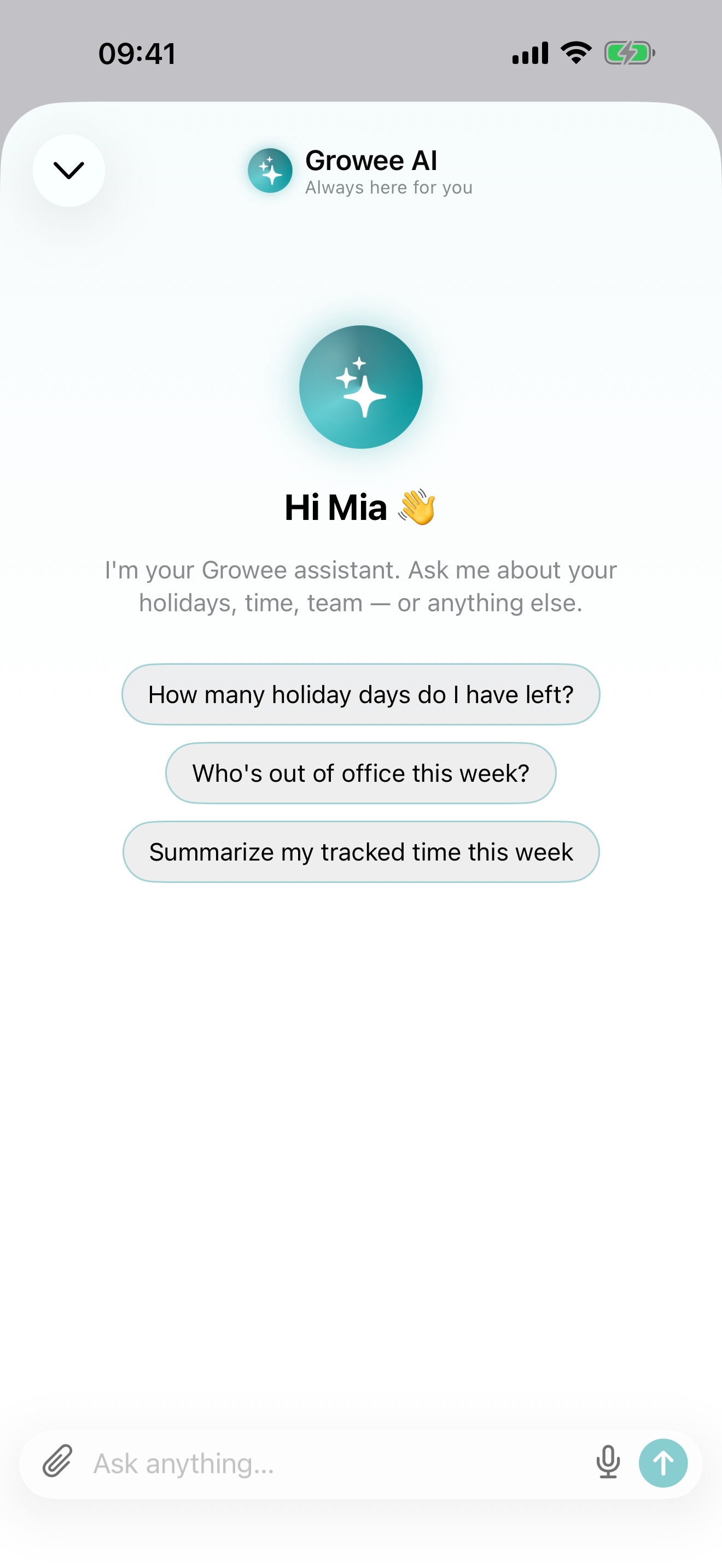
The assistant from the web app, now in your pocket. Answers stream in as they’re written. Type your question, dictate it, or attach a file.
The people you work with (and you)
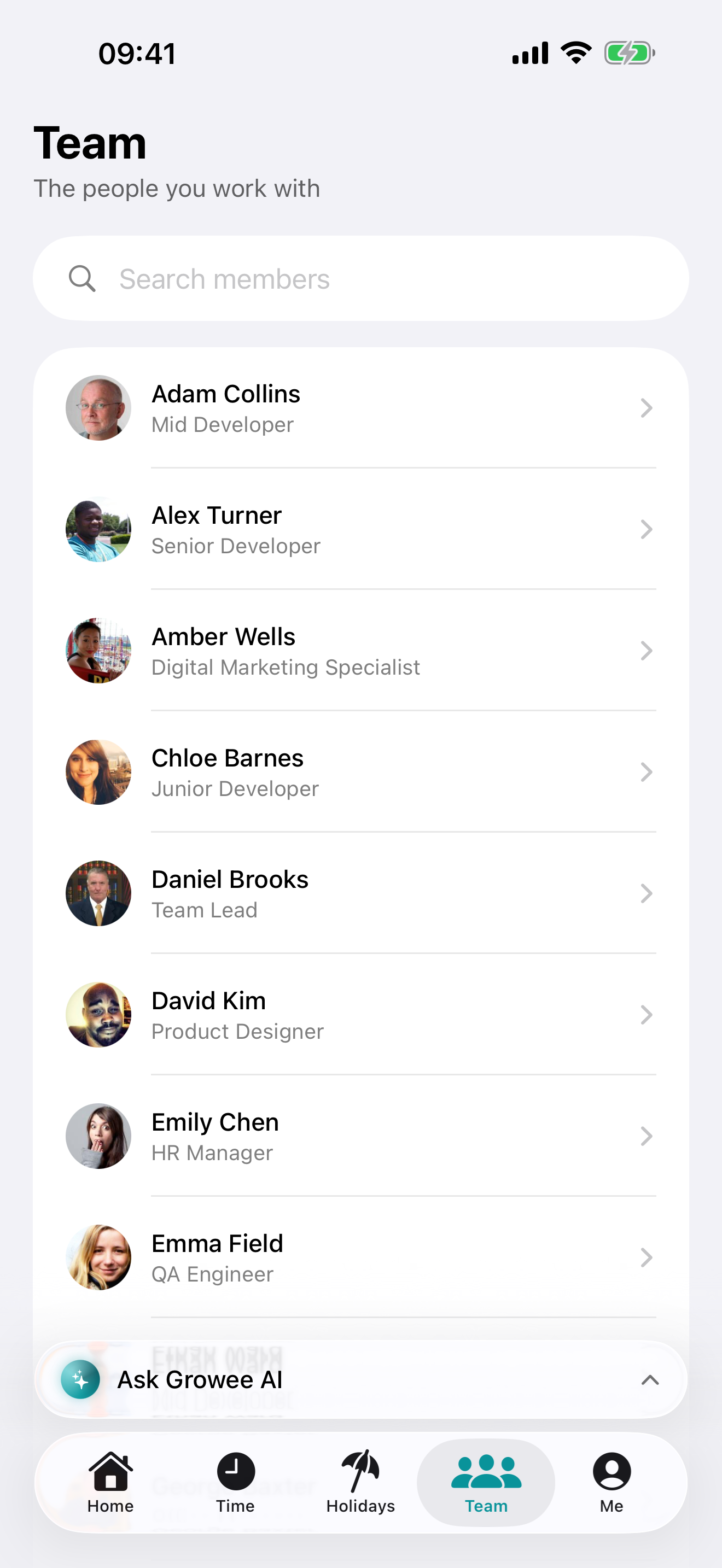
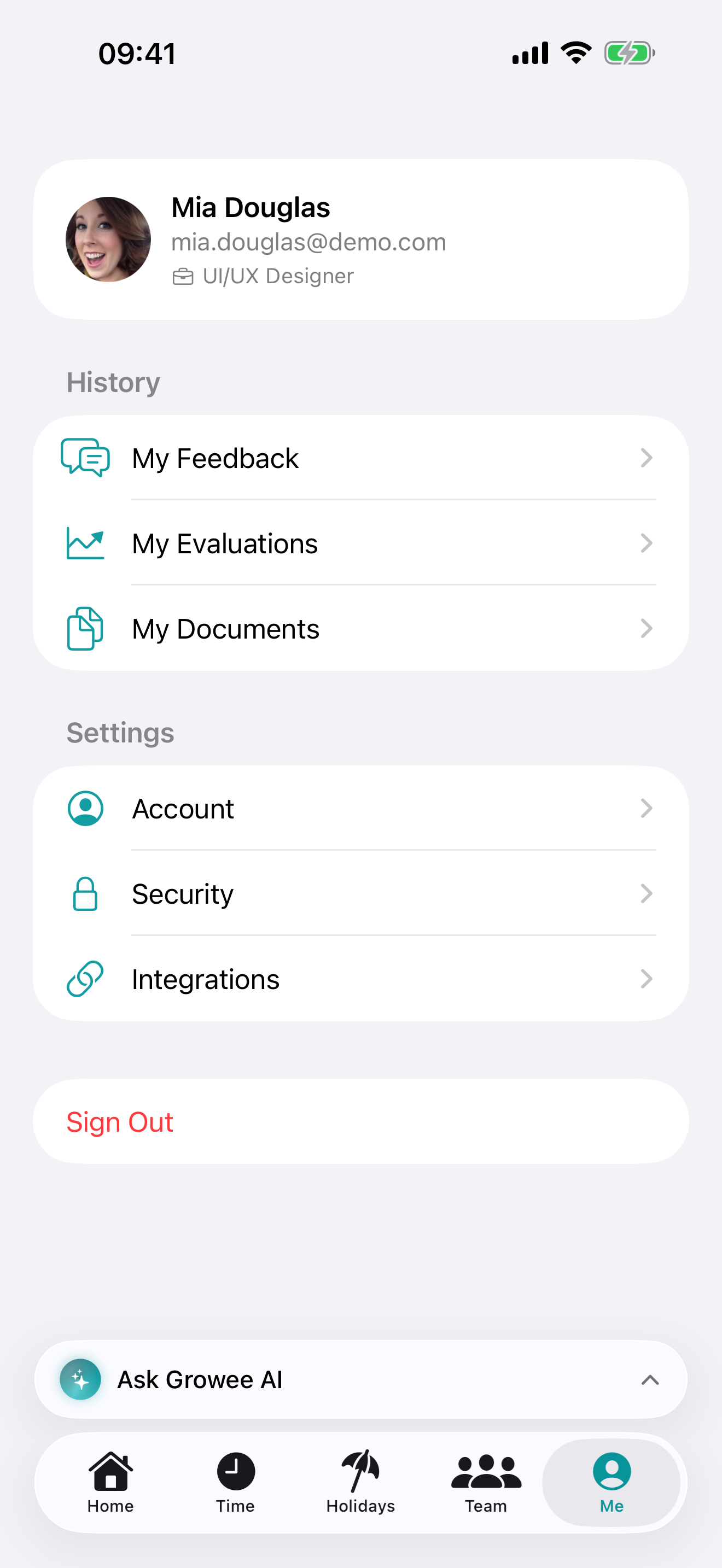
A searchable directory of everyone, one tap to email or call. And a Me tab with your own corner: feedback, evaluations, documents and settings.
The small things
Home Screen widgets show your tracked time today, your leave balance and who’s out. You can lock the app behind Face ID. Sign in with your email, Apple, Google or Microsoft (in English, French or Romanian).
Coming to the App Store
Growee for iPhone is on its way to the App Store. Can’t wait? We’re onboarding early users through TestFlight: get in touch and we’ll set you up. You’ll sign in with the Growee account your organization already gave you; if your company isn’t on Growee yet, that’s one conversation away too.